The customer is yours: number, history and the way back.
ala.menu writes a customer row for every order on your menu, with a phone number you can call, the order history and the spend, from a menu that takes delivery by area and cards through your bank, Whish or cash at 0% commission. From that list you send a named coupon on WhatsApp, nudge an unfinished cart, stamp the loyalty card in the diner’s wallet and ask for a Google review.
0% commission on every plan.
What "owning the customer" has to mean
A phone number you can actually dial
Not a masked relay that expires. The customer record carries the number, and you can call it or open WhatsApp from it. On Plus.
The order history, per person
How many orders, what they spent, the average, when they first came and when they last did, and the orders themselves. On Plus.
The cart they left
A diner who typed a phone number at checkout and left is listed under Customers with what was in the cart. One tap opens WhatsApp with a reminder in their language, and a promo code if you choose. On Plus.
The regular who stopped coming
The customer list filters to anyone with no order in 30 days. Open the row, tap WhatsApp, and on Pro attach a coupon locked to that person. On Plus.
A file you can take away
Export the list as CSV: the whole list, or only the people who agreed to hear from you. Name, phone, orders, spend, first and last order. On Pro.
A reason to come back that you set
Promo codes: a percentage, a fixed amount, or free delivery. Auto-applied, or first-order-only, or once per phone number. On Plus. A coupon locked to named customers, sent on WhatsApp, is on Pro.
Reviews after the order
After an order the menu asks the diner for a review. You pick one mode for everyone: Google, private or both. The star rating never changes which happens. On Plus.
The diner who was not happy
A 1 or 2 star review emails you. A diner at 3 stars or fewer can leave a number for a call back. On Plus.
A stamp card that lives in their wallet
A punch card every few orders, or a reward at a spend milestone, saved into Apple and Google Wallet. On Pro.
Already running on ala.menu.
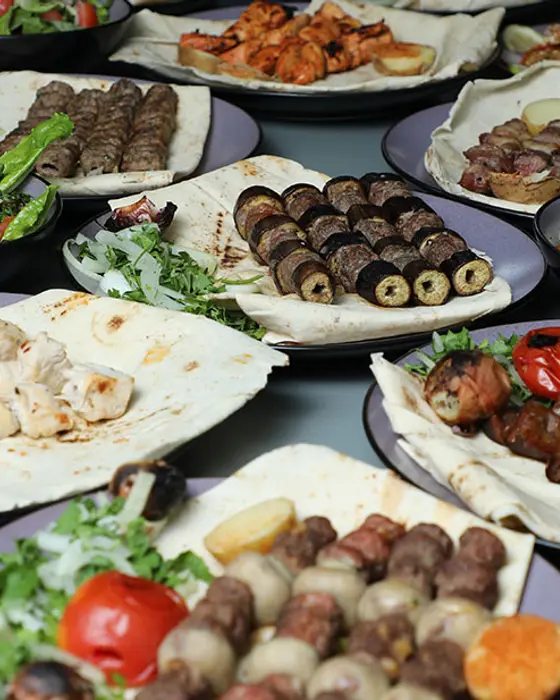
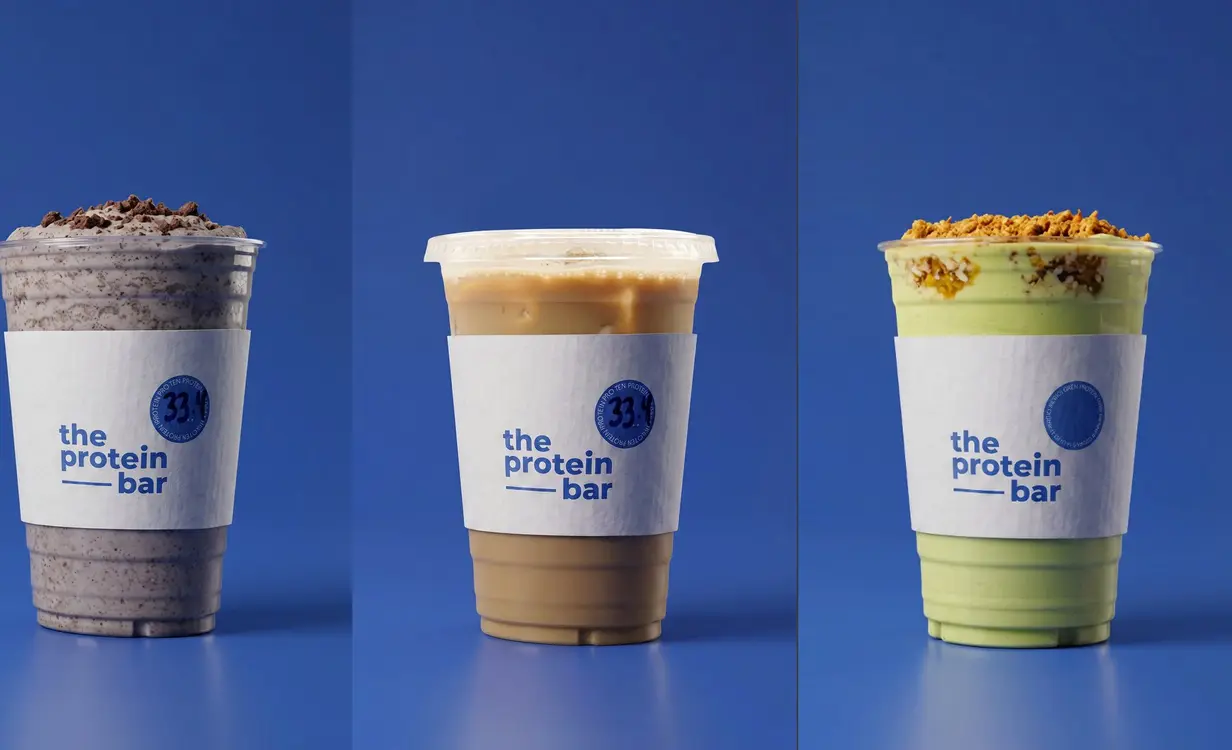
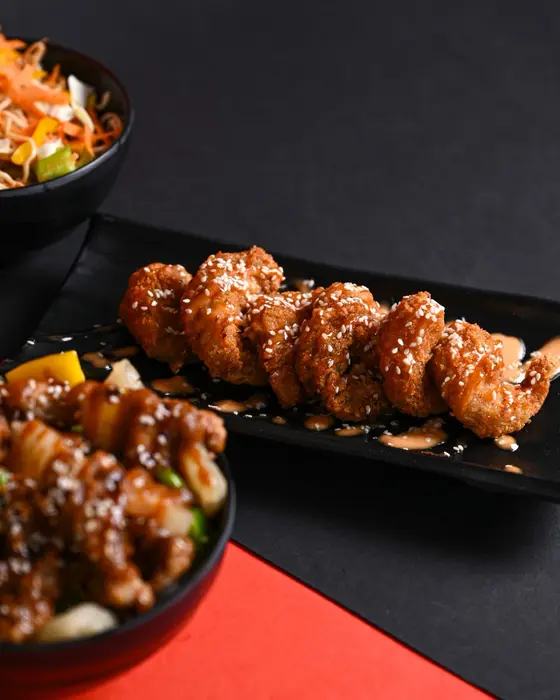
Six of Fakhani Gourmet’s branches, in Beirut since 1941, The Protein Bar with cards through its own bank, Joy Beirut, Harbs Bakery and Yoki Sushi in Baghdad already take their orders on it.

Kraft Signature
Bakery & pastry · Beirut
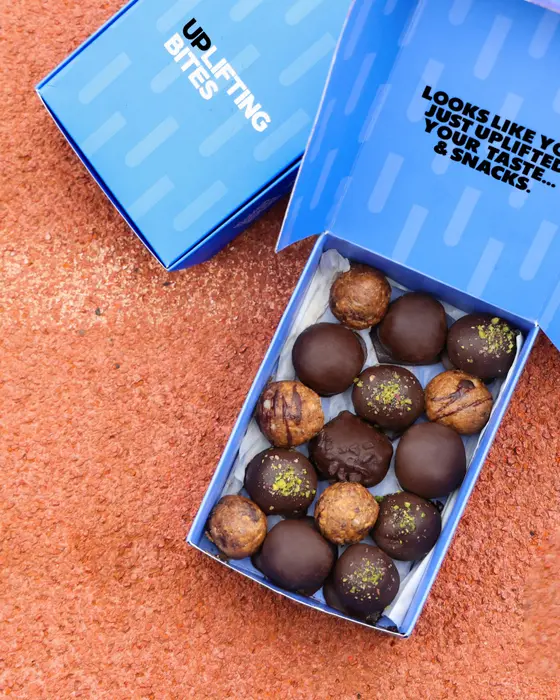

Uplifting Bites
Healthy snacks · Haret Sakher
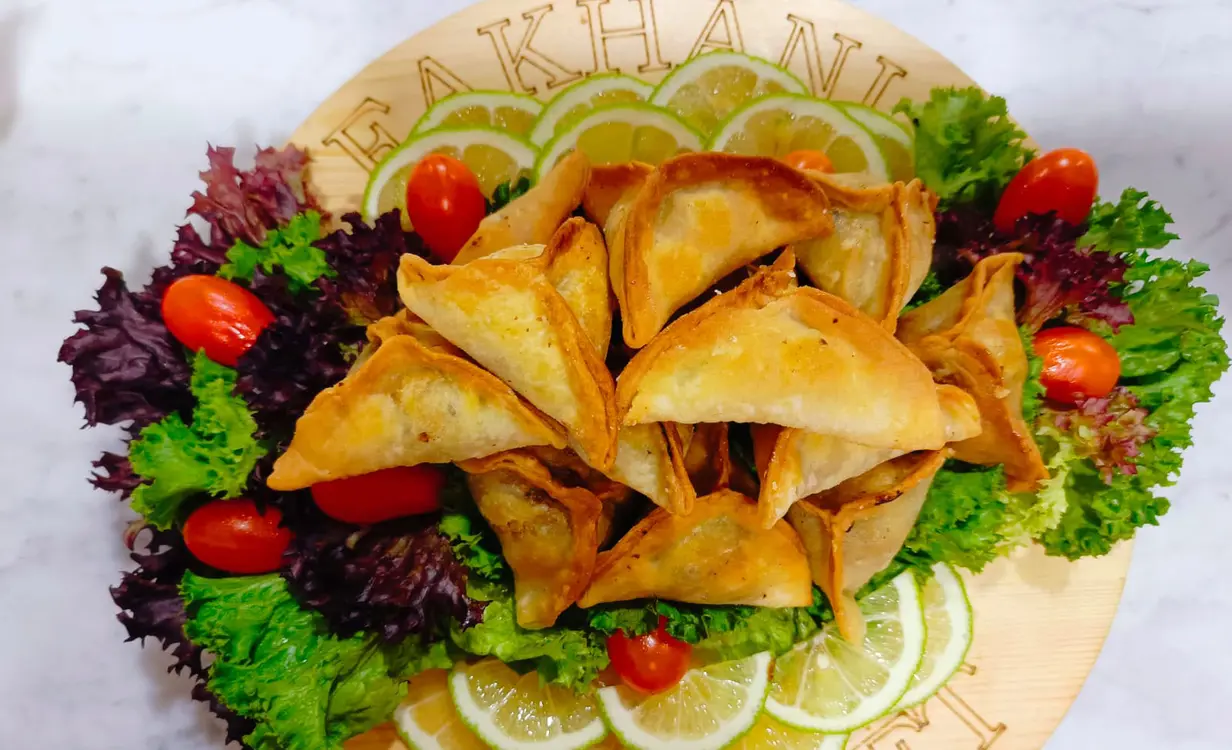 six of its branches · Since 1941
Fakhani Gourmet
Gourmet deli · Beirut
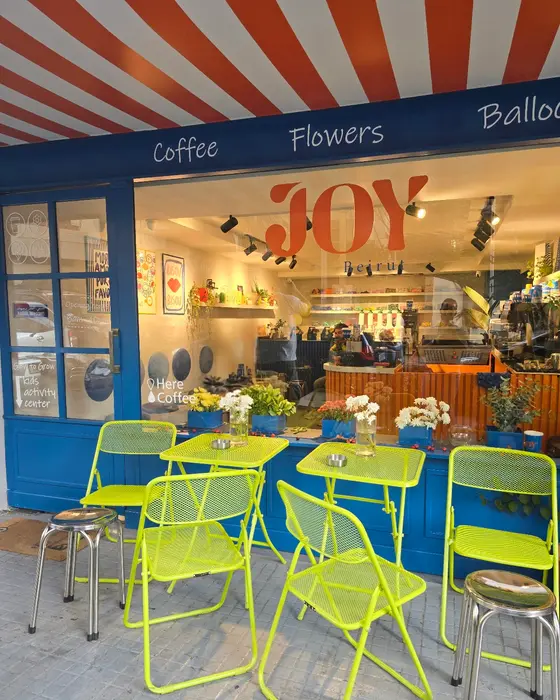

Joy Beirut
Coffee, flowers & gifts · Beirut
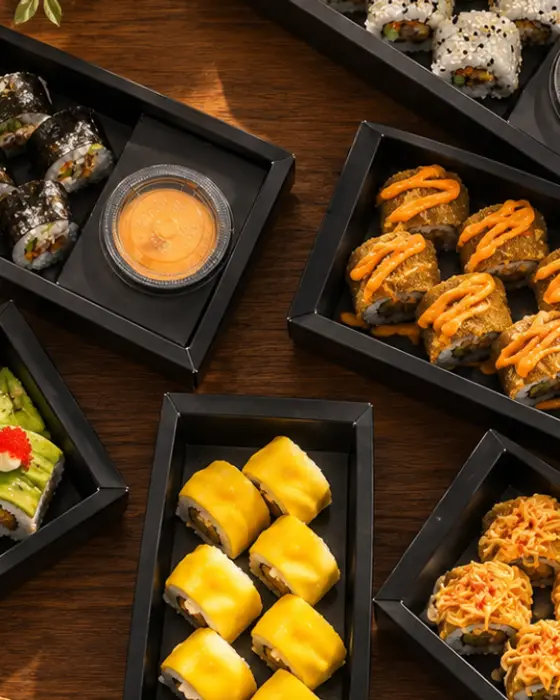

Yoki Sushi
Sushi cloud kitchen · Baghdad
 2 countries
Pegasus Pet Center
Pet shop & clinic · Beirut · Accra
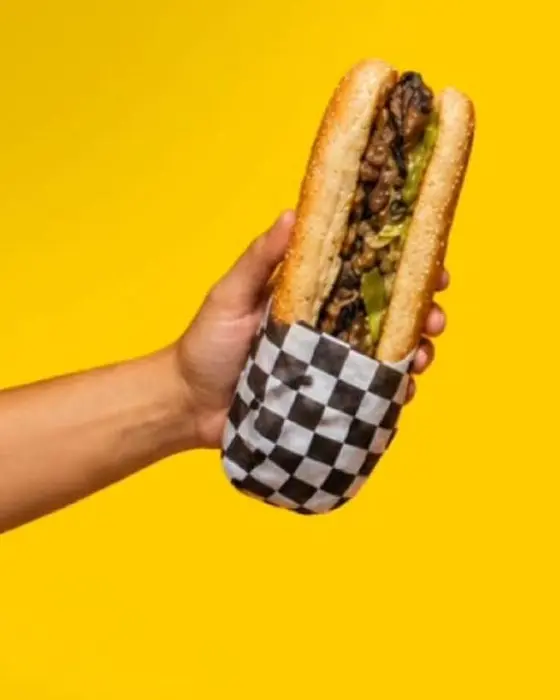

Bunbastic
Burgers & subs · Zouk Mikael







How the list fills itself
1. Take an order on your own menu
Website checkout or WhatsApp. Either way the order is yours and so is who placed it.
2. The customer record writes itself
Name, phone, what they ordered, what they spent. No form for anyone to fill in and nothing for you to type.
3. Use it
Call the regular who stopped coming. Send the lapsed table a code. Export the consented list and take it wherever you like.
What you get
Ordering
- Website ordering with delivery zonesPlus
- WhatsApp orderingFree
- Order board with statusesPlus
- Live order tracking for dinersPlus
Customers and marketing
- Loyalty stamps with Apple Wallet and Google Wallet passesPro
- Offers and promo codesPlus
- Review collectionPlus
- Customer listPlus
- Customer CSV exportPro
- Order and sales analyticsPlus
Design and menu
- More than 20 templatesFree
- 11 item card layoutsFree
- 53 fontsFree
- QR designer, 4 dot patternsPlus
- Arabic menus, right to leftFree
- AI translation, 21 languages including yoursPlus
- AI menu builder from a PDF or photoFree
Brand and domains
- Custom domainPro
- White label, no "Powered by" badgeBusiness
- Branches, priced per locationPlus
Team and integrations
- Team rolesPro
- POS sync and APIBusiness
- AI waiterPlus
What it costs
- Price
- Plus $49 a location a month, Pro $99, Free to start; 0% commission on every plan.
Every customer stays yours: the number, the orders, the cart they left, on your own list
Every order on your menu writes the diner’s name, number and order history to your customer list, and from that list you call, message or reward the same guest again.
Customers
Every order writes a customer row: name, phone, how many orders, what they spent, when they last ordered. Open one and the full order history is there, with a phone number you can actually call. On Plus.
The cart they left
A diner who typed a phone number at checkout and left is listed under Customers with what was in the cart. One tap opens WhatsApp with a reminder in their language, and a promo code if you choose. On Plus.
The regular who stopped coming
The customer list filters to anyone with no order in 30 days. Open the row, tap WhatsApp, and on Pro attach a coupon locked to that person. On Plus.
CSV export
Export the whole list, or only the customers who agreed to hear from you, with orders, spend, and first and last order dates. It is your list, in a file, whenever you want it. On Pro.
Promo codes
Bring a guest back with a code you set yourself: a percentage, a fixed amount, or free delivery. It can apply on its own, be limited to a first order, or be usable once per phone number. On Plus.
Reviews
After an order every diner sees the stars and a Review on Google button, and the rating and the written feedback come to you. On Plus.
Loyalty
A punch card that rewards every few orders, or a reward at a spend milestone, with the card saved in Apple and Google Wallet. Website orders stamp themselves; walk-ins and WhatsApp orders you stamp. On Pro.
Analytics
Menu views, unique visitors and the most tapped item, free. Orders, the view-to-order rate, and the funnel from a view to a placed order, on Plus.
Owning your customers, answered
Do I keep my customers’ numbers?
Yes, for orders placed on your own menu. It is a real number stored on the customer record, not a masked relay, and you can call it or open WhatsApp from the dashboard. The customer list is on Plus.
Can I export them?
Yes, as CSV, on Pro. You can export everyone, or only the customers who ticked the marketing consent box. The file carries name, phone, total orders, the website and WhatsApp split, total spent, average order, first and last order, and the consent flag.
Can I run a first-order discount, or a code once per customer?
A promo code, on Plus. Set a percentage, a fixed amount or free delivery; make it apply automatically, or restrict it to a first order, or to one use per phone number, or cap the total. A code can be shared as a link that applies itself at checkout.
What happens to an unfinished cart?
A diner who typed a phone number at checkout and left is listed under Customers with what was in the cart. One tap opens WhatsApp with a reminder in their language, and a promo code if you choose. On Plus.
Can I ask for Google reviews after an order?
Yes, on Plus. After the order the menu asks for a review. You pick one mode for everyone: Google, private or both. Google sends the diner to your Google listing, private keeps the note in your dashboard, both offers each. The rating a diner gives does not change which of those happens. Two hours after a completed order, a diner who messaged you on WhatsApp gets one Google review link there, never more than once per restaurant. On Pro.
Can I see which customers stopped ordering?
Yes. The customer list sorts every diner into New (one order), Returning (two or more) and Lapsed (no order in 30 days), with one record per phone number however the number was typed. On Plus.
How does a new loyalty card start?
A new loyalty card starts at 5 orders for a reward valid 30 days. The card can be set from 2 to 20 orders, and the reward limited to chosen dishes or categories. On Pro.
Which plan do I need for all of this?
The customer list, promo codes, reviews and full analytics are Plus. CSV export, loyalty and the advanced analytics are Pro. The menu itself, your Page and WhatsApp ordering are free. Plus is $49 a location a month and Pro $99.
The customer is the asset. Keep it.
Take the first order on your own link and watch the list start writing itself. Plus $49 a location a month, 0% commission.
Start free