Restaurant menu maker with AI: make the menu that takes the order
ala.menu’s AI makes your restaurant menu and hands you a menu that takes orders: a cart, delivery priced by area, cards through your bank, Whish or cash, at 0% commission. The same menu goes in your bio and on your QR, puts a loyalty card in the diner’s wallet and an AI waiter beside every dish, and the customer list it builds is yours; Yoki Sushi’s menu in Baghdad is Arabic first, with the AI waiter.
Yoki Sushi’s menu in Baghdad is Arabic first, with the AI waiter answering diners on it.
0% commission on every plan.
What the AI does, and the plan it is on
From your PDF, photos or a sentence
Send a PDF, up to five photos of the printed menu, or a written description. The AI builder types the items, prices and sections into a menu in your colours. No quota on it. Free.
It reads the rest of your business too
From your PDF, photos or text, the AI builder also reads the business name, description, phone, email, website, address, city, country, business type, cuisines and Instagram, Facebook and TikTok handles. Free.
Change dishes by chat
The AI editor creates, duplicates, moves and deletes dishes, sets sizes and add-on groups, marks dishes sold out or Popular, adds diet tags and up to 4 gallery photos from a link, and finds and replaces text across the menu. Saving needs Plus.
Your colours, from your logo
The AI editor changes the design, applies a colour palette or a template theme, and matches the menu’s colours to your logo and cover. Saving needs Plus.
Nothing goes live until you save
Every change the AI editor makes has an Undo, and nothing goes live until you press Save. It can work across 36 kinds of edit, prices, hours, delivery zones and promo codes among them. Saving needs Plus.
A menu that takes the order
The menu it makes has a cart with sizes and add-ons, delivery priced by area, and cards through your bank, Whish or cash on your own checkout, at 0% commission. On Plus.
Already running on ala.menu.
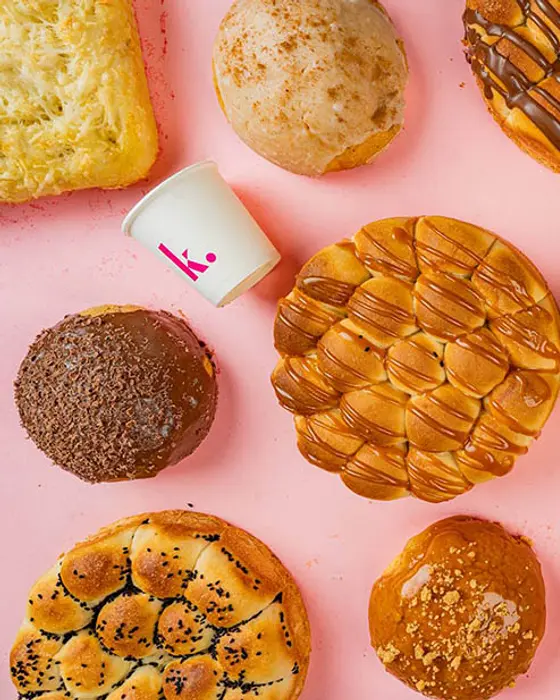
Kraft Signature
Bakery & pastry · Beirut
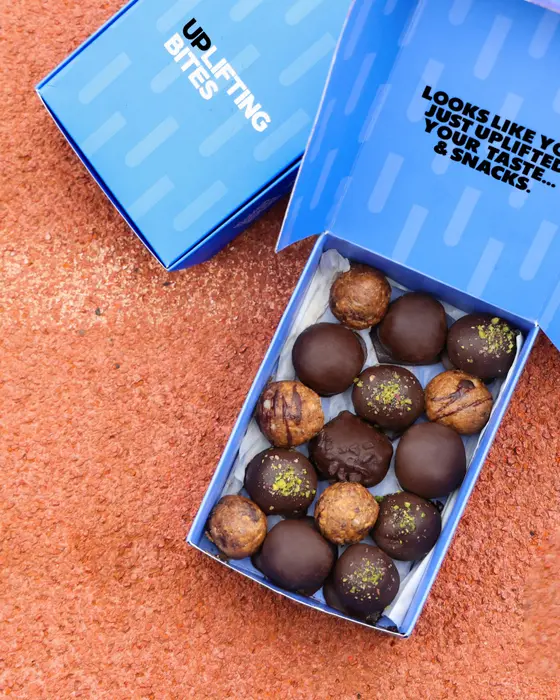
Uplifting Bites
Healthy snacks · Haret Sakher
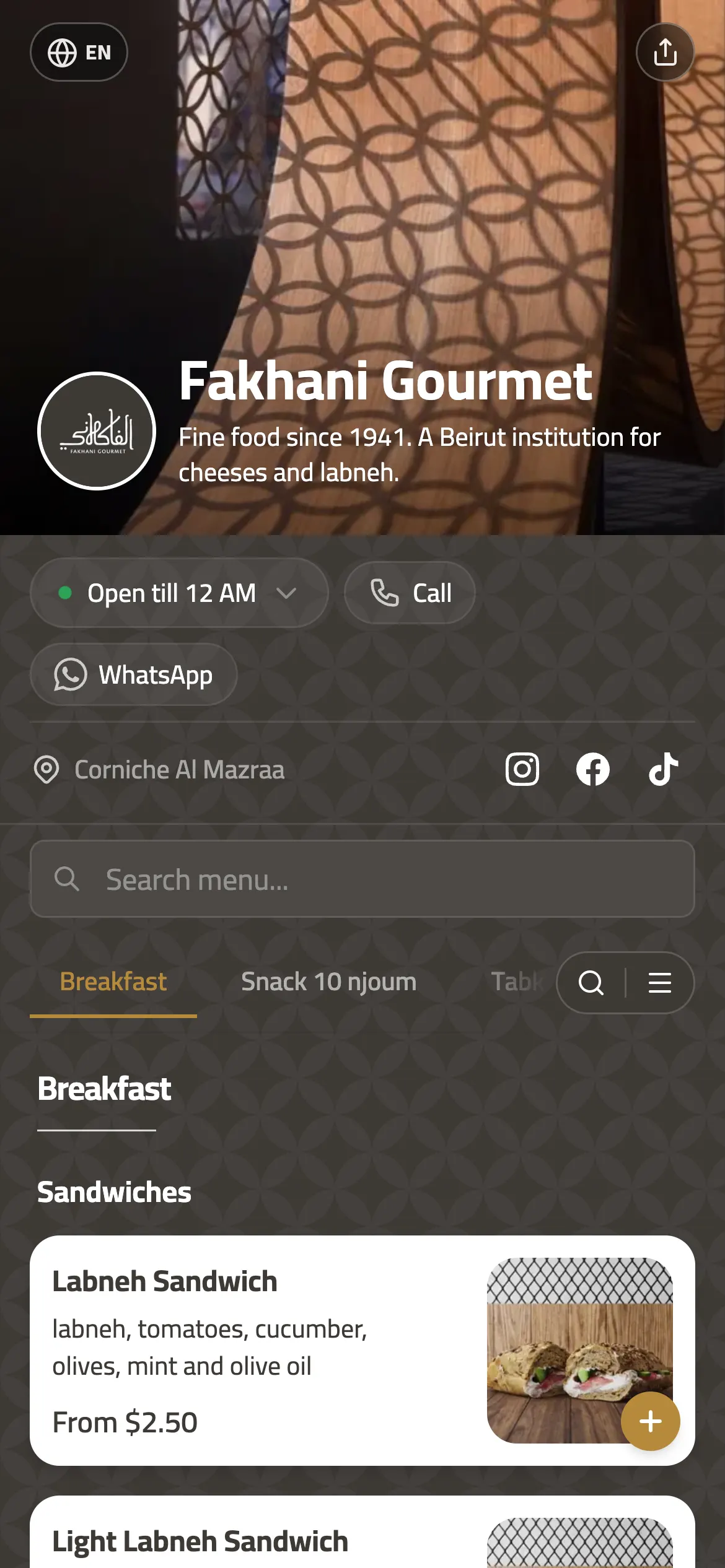
 six of its branches · Since 1941
Fakhani Gourmet
Gourmet deli · Beirut
Joy Beirut
Coffee, flowers & gifts · Beirut
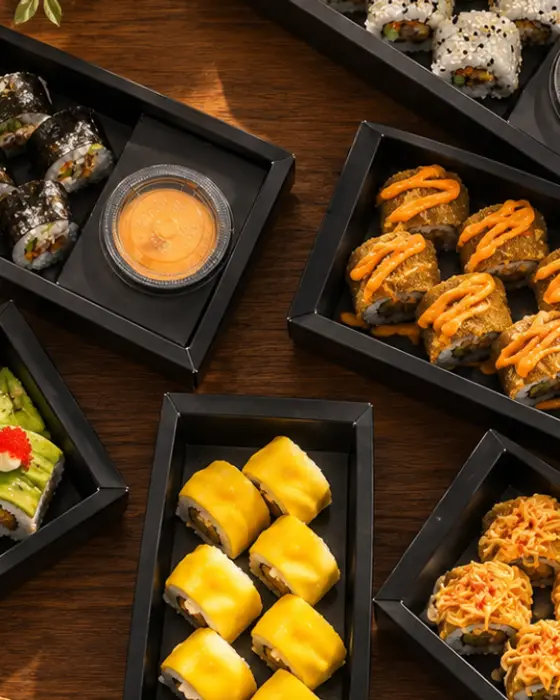

Yoki Sushi
Sushi cloud kitchen · Baghdad
 2 countries
Pegasus Pet Center
Pet shop & clinic · Beirut · Accra
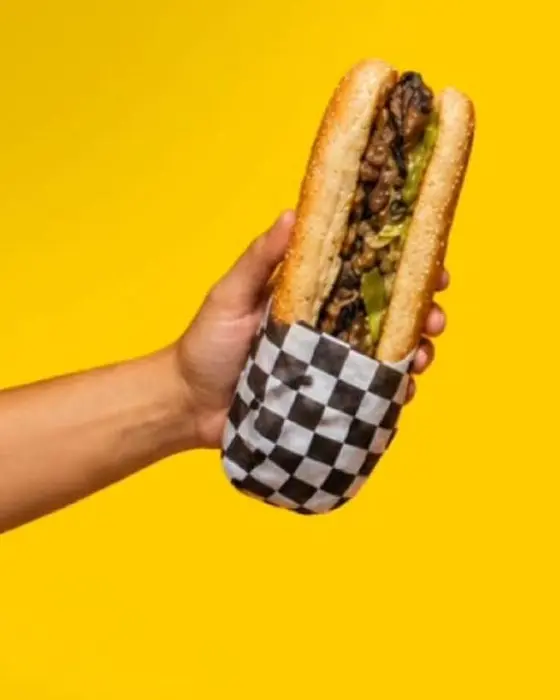
Bunbastic
Burgers & subs · Zouk Mikael



Live in three steps
1. Send the menu you have
A PDF, a photo of the printed card, or a description of what you serve.
2. Check what the AI typed
Fix whatever it misread in the editor, or ask the AI editor to change it.
3. Share it and take orders
The link in your bio, the QR on the tables, and the order on your board.
What you get
Ordering
- Website ordering with delivery zonesPlus
- WhatsApp orderingFree
- Order board with statusesPlus
- Live order tracking for dinersPlus
Customers and marketing
- Loyalty stamps with Apple Wallet and Google Wallet passesPro
- Offers and promo codesPlus
- Review collectionPlus
- Customer listPlus
- Customer CSV exportPro
- Order and sales analyticsPlus
Design and menu
- More than 20 templatesFree
- 11 item card layoutsFree
- 53 fontsFree
- QR designer, 4 dot patternsPlus
- Arabic menus, right to leftFree
- AI translation, 21 languages including yoursPlus
- AI menu builder from a PDF or photoFree
Brand and domains
- Custom domainPro
- White label, no "Powered by" badgeBusiness
- Branches, priced per locationPlus
Team and integrations
- Team rolesPro
- POS sync and APIBusiness
- AI waiterPlus
The AI builder, spelled out
- What it reads
- A PDF, up to five photos of a printed menu, or a written description, multi-column layouts and prices in a separate column included.
- Design
- Every plan has 13 header styles, 11 category header styles, 6 category scroller styles, 30 colour palettes and 12 font pairings, on top of the 11 card layouts. Free.
- Languages
- Arabic with full native RTL, or any one of 21 languages as your base. A switcher between languages, with AI translation, is Plus.
- Where the menu lives
- ala.menu/yourname on Free and Plus. Your own domain is Pro.
- Price
- Plus $49 a location a month, Pro $99, Free to start; 0% commission on every plan.
The AI menu maker, answered
How does the AI make my menu?
You send a PDF, up to five photos of the printed menu, or a written description, and the AI builder reads it and lays out the items, prices and sections in your colours, multi-column layouts and prices in a separate column included. Whatever it misreads you fix in the editor in seconds. On Free, with no quota.
What does the builder read from my menu?
The items, prices and sections. From your PDF, photos or text, the AI builder also reads the business name, description, phone, email, website, address, city, country, business type, cuisines and Instagram, Facebook and TikTok handles. Free.
How fast can I be live?
Minutes. You send a PDF or a photo of the printed menu, the AI builder reads it and lays out the items, prices and sections, and you fix whatever it got wrong. The menu and its QR are on Free.
Can I edit dishes by chat afterwards?
Yes. The AI editor creates, duplicates, moves and deletes dishes, sets sizes and add-on groups, marks dishes sold out or Popular, adds diet tags and up to 4 gallery photos from a link, and finds and replaces text across the menu. Saving needs Plus.
Can the AI match my logo’s colours?
Yes. The AI editor changes the design, applies a colour palette or a template theme, and matches the menu’s colours to your logo and cover. Saving needs Plus.
Can I undo what the AI editor changes?
Yes. Every change the AI editor makes has an Undo, and nothing goes live until you press Save. It can work across 36 kinds of edit, prices, hours, delivery zones and promo codes among them. Saving needs Plus.
What does it cost?
Ordering on your own checkout, payments, the AI waiter and saving the AI editor’s changes are Plus; loyalty and your own domain are Pro. Plus is $49 a location a month and Pro $99. The AI builder, the menu, the QR and WhatsApp orders are free, with no card, and no plan takes a commission.
Send us the menu you have
A PDF, a photo, or a sentence about what you serve. It comes back as a menu that takes the order.
Start free