A QR code menu you print once, that takes the order
ala.menu puts your menu behind a QR you print once and lets the table order from it, call the waiter and ask for the bill, with delivery by area and cards through your bank, Whish or cash on the same menu, at 0% commission. The diner orders from the table with no app and no account, as at The Protein Bar’s tables in both branches, and can ask the AI waiter about any dish; every diner then carries your loyalty card in their wallet and stays your customer.
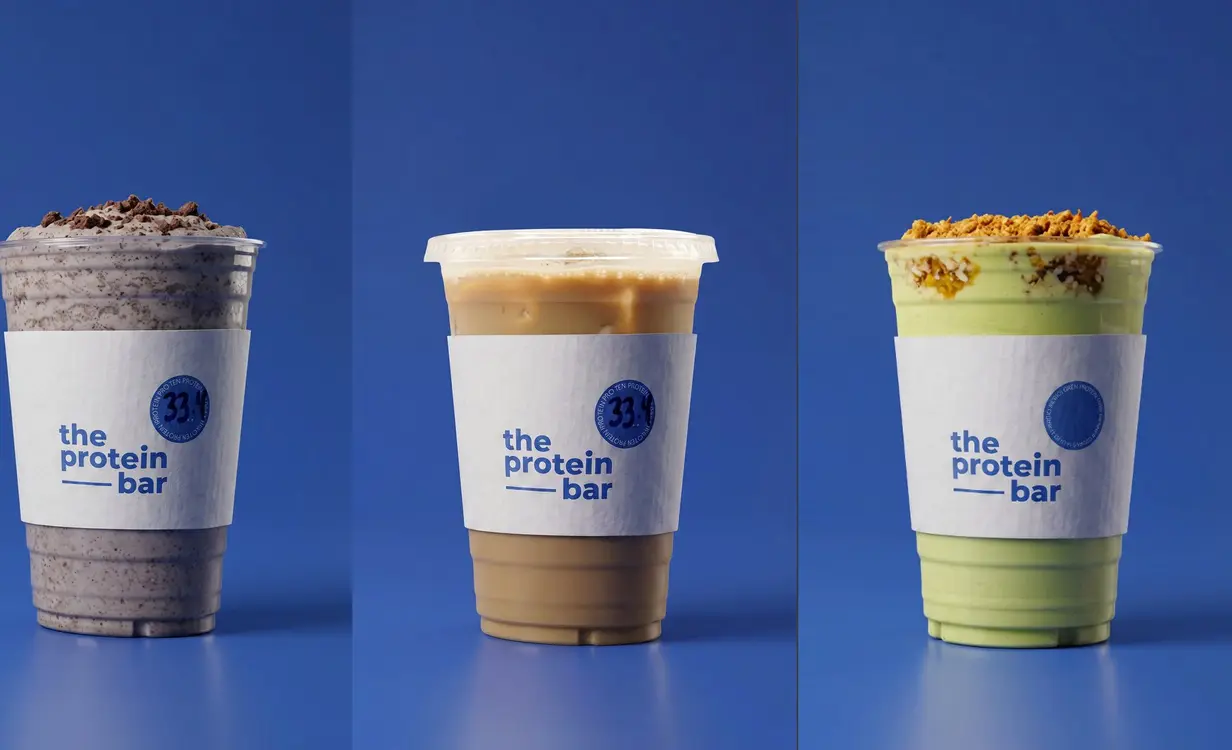
The Protein Bar runs table QR codes and the AI waiter on 12 tables in each of its two Beirut branches.
0% commission on every plan.
Why this code outlives the menu
One code, allocated once
Your QR encodes ala.menu/q/yourcode, handed out once, never recycled and never deleted. Change every price, or rename your link: the short code is repointed and the stickers on the tables keep working.
The menu and the QR, free
Send a PDF, photos or a description and the AI builder types the menu; the working QR comes with it. No card, nothing expires. Free.
Your logo and colours on the code
Colours, your logo in the middle, 4 dot patterns, 5 corner styles, 8 frames and 10 ready palettes. On Plus; a Free menu keeps a plain black-and-white code.
Table service from the same code
A QR tent per table, up to 500 tables: the guest calls the waiter, asks for the bill or orders from the table. On Plus.
The same link in your Instagram bio
The menu behind the code is the menu behind your bio link, and the diner’s WhatsApp order arrives written out, at 0% commission. Free.
Arabic and English, and ordering when you are ready
Publish in Arabic right to left, free; a language switcher is Plus. The same code grows into your own checkout with delivery zones and payments on Plus.
Already running on ala.menu.
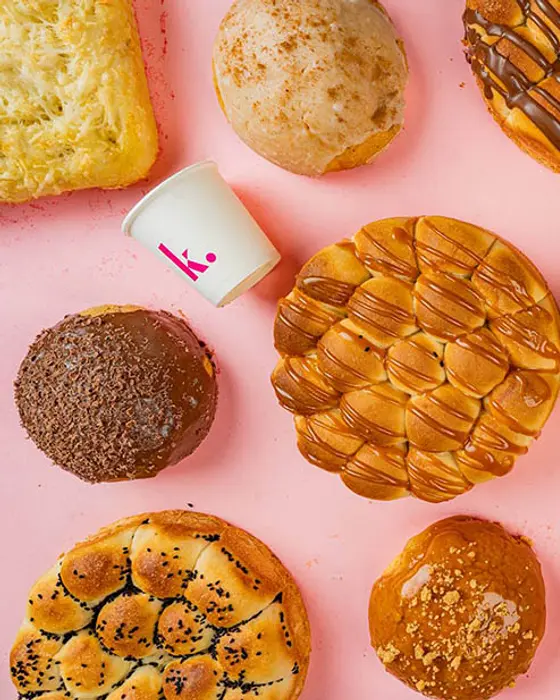
Kraft Signature
Bakery & pastry · Beirut
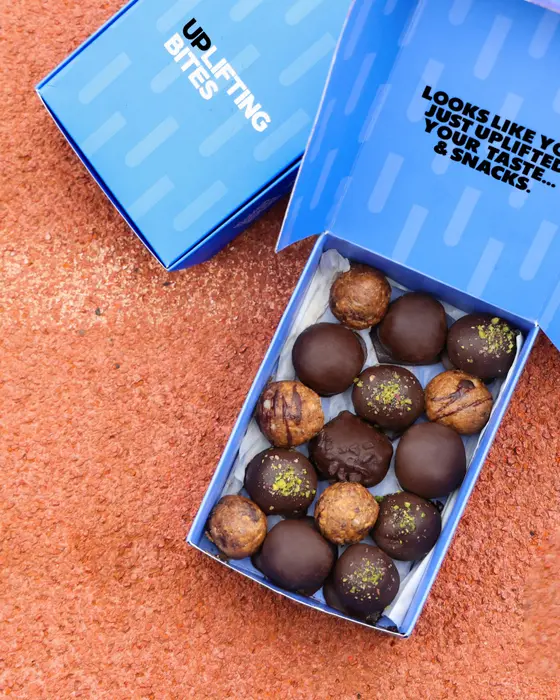
Uplifting Bites
Healthy snacks · Haret Sakher
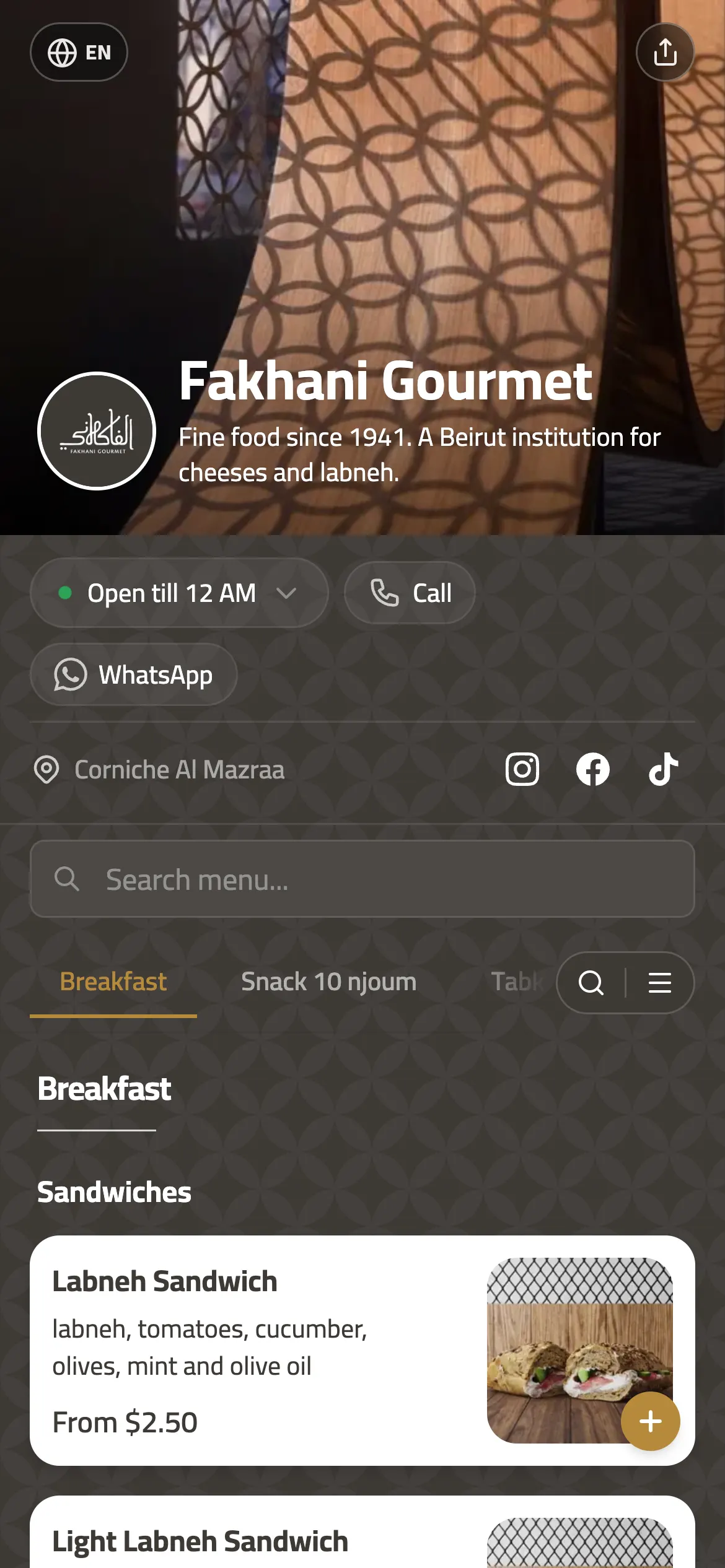
 six of its branches · Since 1941
Fakhani Gourmet
Gourmet deli · Beirut
Joy Beirut
Coffee, flowers & gifts · Beirut
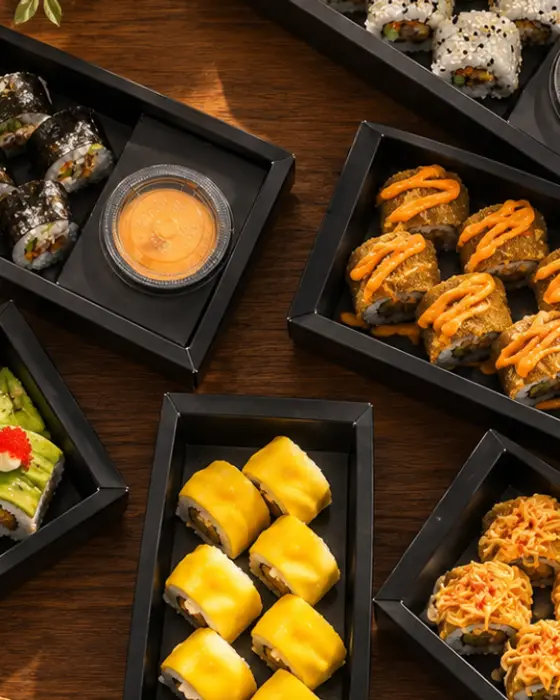

Yoki Sushi
Sushi cloud kitchen · Baghdad
 2 countries
Pegasus Pet Center
Pet shop & clinic · Beirut · Accra
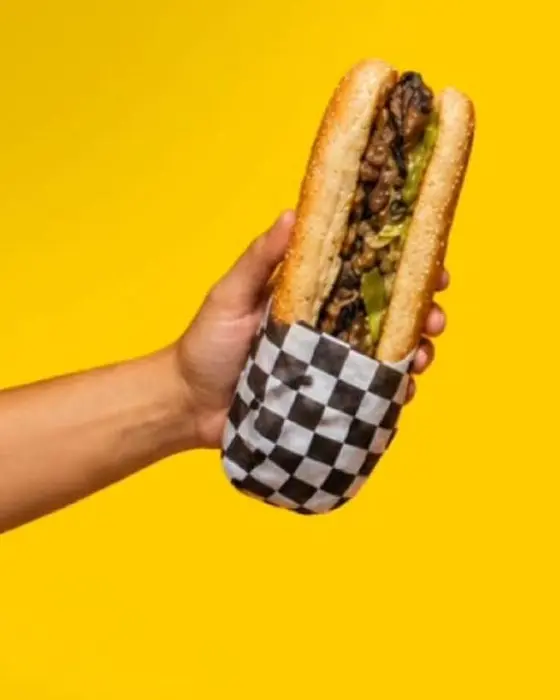
Bunbastic
Burgers & subs · Zouk Mikael


Live in three steps
1. Build the menu
Send a PDF, a photo of the printed card, or a description. The AI builder does the typing.
2. Download the QR
It already works. Style it on Plus if you want your colours and logo on it.
3. Put it on the tables
And the window, and the bag. Then forget about it. The menu behind it can change forever.
What you get
Ordering
- Website ordering with delivery zonesPlus
- WhatsApp orderingFree
- Order board with statusesPlus
- Live order tracking for dinersPlus
Customers and marketing
- Loyalty stamps with Apple Wallet and Google Wallet passesPro
- Offers and promo codesPlus
- Review collectionPlus
- Customer listPlus
- Customer CSV exportPro
- Order and sales analyticsPlus
Design and menu
- More than 20 templatesFree
- 11 item card layoutsFree
- 53 fontsFree
- QR designer, 4 dot patternsPlus
- Arabic menus, right to leftFree
- AI translation, 21 languages including yoursPlus
- AI menu builder from a PDF or photoFree
Brand and domains
- Custom domainPro
- White label, no "Powered by" badgeBusiness
- Branches, priced per locationPlus
Team and integrations
- Team rolesPro
- POS sync and APIBusiness
- AI waiterPlus
What it costs
- Price
- Plus $49 a location a month, Pro $99, Free to start; 0% commission on every plan.
A QR generator, and a QR menu
| Free QR generator | ala.menu | |
|---|---|---|
| What it points at | Whatever URL you pasted | A short address we keep pointed at your live menu |
| Changing the menu | New URL, new code, reprint | Nothing to do, same code |
| Renaming your link | Every printed code is dead | Repointed, every printed code still works |
| If the link ever breaks | A 404 on a table tent | It lands on our homepage, not an error |
| Cost | Free, then a subscription to keep it alive | Free, and the code does not expire |
QR menus, answered
Will the QR break if I change prices?
No. The printed code points at a short address, not at your menu content, so editing prices, items, photos or the whole template leaves it untouched. Free.
What happens when I rearrange tables?
The tent stays where it is. Each table has its own QR tent, up to 500 tables, and the table number is a field in your dashboard, so moving tables around never means a new code. Numbered table tents print for tables 1 to 10 by default, up to 50 in one download, or follow your table-service count. On Plus.
What changes for my floor staff?
The table calls the waiter and asks for the bill from the menu page, and the order lands on the order board and the kitchen ticket, so your staff carry plates and answer calls instead of taking orders. On Plus.
My menu changes daily. Do I reprint?
No. The printed code points at a short address, so it stays the same whatever you change. A whole category can be scheduled by day of the week and time of day, a sold-out dish can stay greyed, drop to the end of its section or hide, and the AI editor changes prices in bulk and adds new dishes from a photo or a PDF. Scheduling and sold-out are Free; saving the AI editor’s changes needs Plus.
Does the diner need an app or an account?
No. Every phone camera made in the last several years scans a QR code from the camera app, and the menu opens in the browser as a web page: nothing to install and no account. A loyalty card goes to the Apple or Google Wallet the phone already has, and the number the diner types at checkout is yours.
Can diners filter by halal, vegan or allergens?
Yes. Diners can filter by 16 dietary tags (Halal, Vegan, Keto-Friendly and more) and exclude 9 allergens, sesame and shellfish included. Free.
Can I put my logo on it?
On Plus. The QR designer puts your colours and your logo in the middle of the code, with dot patterns, corner styles, frames and ready-made palettes. On Free the code is plain black on white and scans the same.
Can one code serve several branches?
Each branch is its own menu with its own code, so the table tent in one branch opens that branch’s menu and hours. They all sit under one brand in one dashboard.
How do the filters decide what to show?
Diet filters show the dishes that carry every tag the diner picks, allergen filters hide any dish carrying a picked allergen, and the sheet shows how many dishes match. Free.
Can the AI tag allergens for me?
Yes. The AI suggests allergen and diet tags for a dish, picked from the 16 dietary tags and 9 allergens diners filter by. On Plus.
Can the AI work out calories?
Yes. The AI estimates calories, protein, carbs and fat for each dish, 25 dishes at a time, and per ingredient on a build-your-own dish. On Plus.
Do the macros update on a build-your-own dish?
Yes. On a build-your-own dish, the calorie and macro totals update as the diner changes the ingredients. On Pro.
Print it once
Build the menu, download the code, and stop thinking about it.
Start free- QR menu for restaurants in Lebanon that takes the order
- Digital menu from your PDF or photos
- Link in bio for restaurants
- Digital menu and ordering for a cafe
- WhatsApp ordering for restaurants
- Online ordering system, 0% commission
- QR table ordering: moving tables, floor staff, a daily menu
- هذه الصفحة بالعربية